How to shoot star trails
Shoot many 20 to 30 second exposures with the shortest gap the camera allows, then stack them. The sky turns just over 15° an hour, so an hour of frames draws arcs of 15° around the pole.
Published
How long and how many frames
30 s exposures on a 31 s interval, as in Tetherline’s Star trails preset. Arc is how far each star turns around the celestial pole in that time.
| Shooting time | Arc | Shots | Clip at 25 fps |
|---|---|---|---|
| 30 min | 7.5° | 59 | 2.4 s |
| 1 h | 15° | 117 | 4.7 s |
| 2 h | 30° | 233 | 9.3 s |
| 3 h | 45° | 349 | 14.0 s |
| 4 h | 60° | 465 | 18.6 s |
Why stack instead of one long exposure
A single exposure of an hour builds up sensor heat and sky glow, and one car’s headlights or a knock on the tripod ruins the whole frame. Stacked 30 second frames give the same trails with the noise of a 30 second shot, and a bad frame can be left out.
Stacking takes the brightest value of each pixel across all the frames, the Lighten blend mode. StarStaX (macOS, Windows, Linux) and Sequator (Windows) do it for free, and Photoshop does it with layers set to Lighten. The same frames also play back as a timelapse of the sky turning.
Settings that keep the trails unbroken
Turn off long exposure noise reduction. It takes a dark frame as long as each exposure, which leaves half the night as gaps in the trails.
Keep the gap between frames short. Trails break into dashes when the shutter stays closed too long. About a second is enough for most cameras writing to a fast card; Tetherline asks for at least 0.5 s between the end of one exposure and the next shot.
Focus manually on a bright star in magnified live view, then tape the focus ring so it cannot move.
A common starting point under a dark sky is 20 to 30 s at f/2.8 to f/4 and ISO 400 to 1600. Near towns, lower the ISO until the sky is not washed out.
Plan for power and dew. Hours of continuous exposures drain a battery faster in the cold, and on clear, still nights the front lens can fog after an hour. A spare battery or USB power, and a lens heater band, cover both.
Where to point the camera
Towards the celestial pole the stars draw circles: around Polaris in the northern hemisphere, around an empty patch of sky in Octans in the southern. Facing east or west the trails run as long diagonals, and facing the equator they arc over the horizon.
Each frame does not have to follow the NPF rule, since the trails are the point. Use the NPF calculator when you also want a frame with sharp stars, and the hyperfocal chart to keep the foreground sharp.
Running it from an iPhone
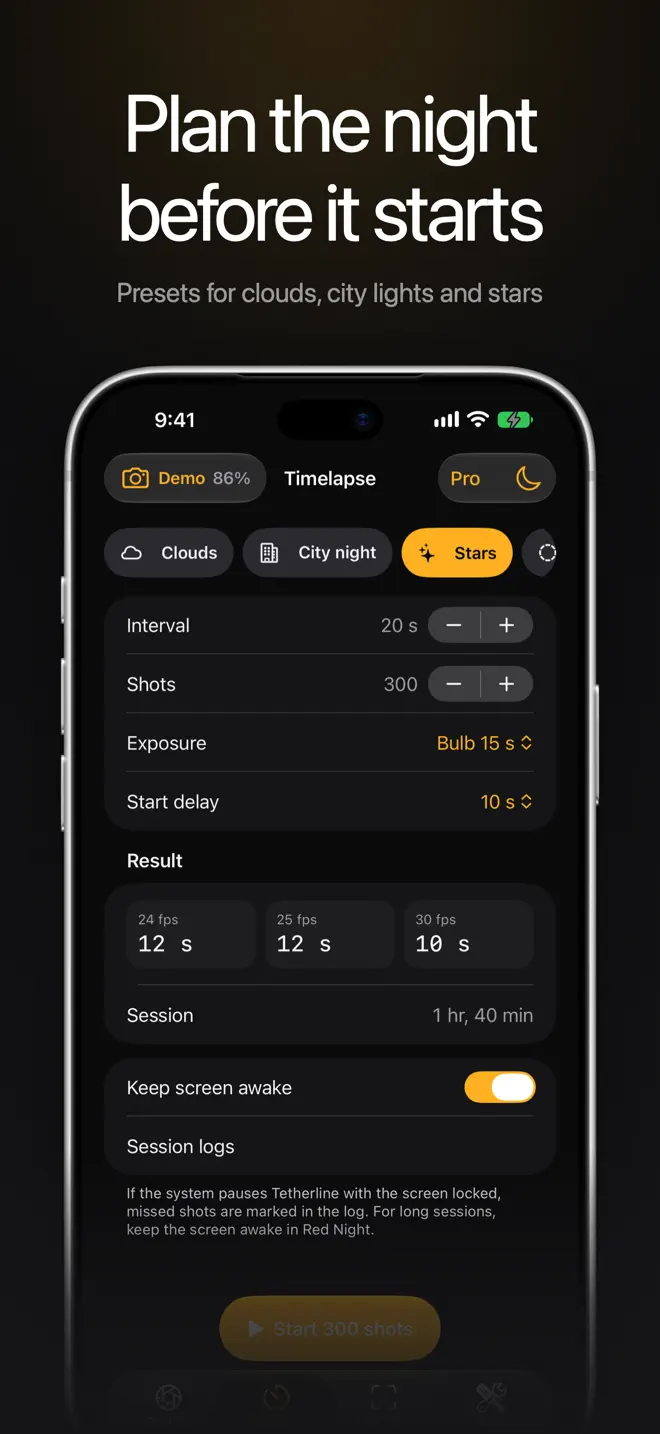
Tetherline’s Star trails preset starts at a 31 s interval, 240 shots and a 10 s start delay; change any of them for your night. The app warns when an exposure would not end 0.5 s before the next shot.
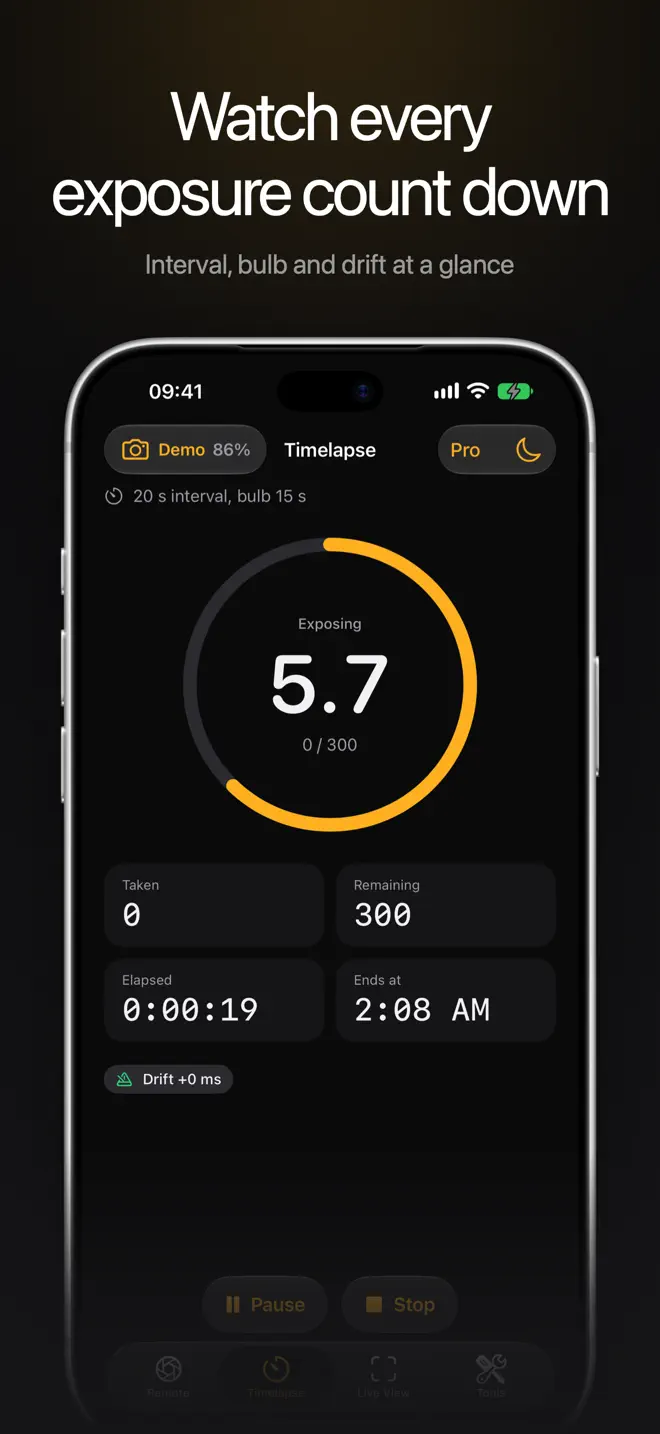
With a GoPro HERO9 to HERO13 Black, Tetherline fires the shutter over Bluetooth on each interval; the exposure is set on the camera. The session log shows every planned shot, whether the camera acknowledged it and how far it drifted, so a gap shows up on site.
Red Night keeps the screen red so your eyes stay adjusted. Without Pro, a timelapse with your own camera runs up to 10 shots; the demo camera runs any length. Check your plan first in the timelapse calculator.