ND filter exposure chart
Meter without the filter, find the row for your filter and read the new shutter time. Every stop doubles it: a 10-stop filter turns 1/30 s into 34 s.
Published
Shutter time behind the filter
Columns are the speed you metered with no filter. Fractions are rounded; set the nearest speed your camera offers. Times over a minute read minutes:seconds, or hours:minutes:seconds.
| Metered without filter | ||||||
|---|---|---|---|---|---|---|
| Stops | ND number | Density | 1/500 | 1/125 | 1/30 | 1/8 |
| 1 | ND2 | 0.3 | 1/250 | 1/63 | 1/15 | 1/4 |
| 2 | ND4 | 0.6 | 1/125 | 1/31 | 1/8 | 0.5 s |
| 3 | ND8 | 0.9 | 1/63 | 1/16 | 1/4 | 1 s |
| 4 | ND16 | 1.2 | 1/31 | 1/8 | 0.5 s | 2 s |
| 5 | ND32 | 1.5 | 1/16 | 1/4 | 1.1 s | 4 s |
| 6 | ND64 | 1.8 | 1/8 | 0.5 s | 2.1 s | 8 s |
| 7 | ND128 | 2.1 | 1/4 | 1.0 s | 4.3 s | 16 s |
| 8 | ND256 | 2.4 | 0.5 s | 2.0 s | 8.5 s | 32 s |
| 9 | ND512 | 2.7 | 1.0 s | 4.1 s | 17 s | 1:04 |
| 10 | ND1024 | 3.0 | 2.0 s | 8.2 s | 34 s | 2:08 |
| 12 | ND4096 | 3.6 | 8.2 s | 33 s | 2:17 | 8:32 |
| 13 | ND8192 | 3.9 | 16 s | 1:06 | 4:33 | 17:04 |
| 15 | ND32768 | 4.5 | 1:06 | 4:22 | 18:12 | 1:08:16 |
| 16 | ND65536 | 4.8 | 2:11 | 8:44 | 36:25 | 2:16:32 |
| 20 | ND1048576 | 6.0 | 34:57 | 2:19:49 | 9:42:33 | 36:24:32 |
Using the chart in the field
Compose and focus before the filter goes on. A 10-stop filter is nearly opaque, so the viewfinder goes dark and autofocus starts hunting. Switch the lens to manual focus once it is set.
Meter the scene without the filter and note the shutter speed. Keep the same aperture and ISO, fit the filter, and set the time from the chart.
Past 30 seconds most cameras need Bulb mode and something to hold the shutter open: a cable release, a remote, or a timed Bulb setting if the camera has one.
On a DSLR, close or cover the eyepiece during long exposures. Light coming in through the viewfinder can show up as a haze or a flare in the frame.
ND numbers, stops and density
The same filter is sold under three names. The ND number is the factor it cuts the light by, the stop count is that factor as a power of two, and the optical density is its base-10 logarithm. ND8, 3 stops and 0.9 describe one filter.
Makers round. An ND1000 cuts light by 1000, which is 9.97 stops, so it is sold as a 10-stop filter; the chart uses 1024. The difference is about a thirtieth of a stop and disappears in the rounding of your shutter speed.
Stacked filters add their stops. A 6-stop and a 3-stop together make 9 stops, which is ND64 × ND8 = ND512.
Colour casts and changing light
Strong ND filters often tint the frame, warm or blue depending on the glass. Shoot RAW and set the white balance from a frame taken with the filter on.
A meter reading is true for the moment you took it. Near sunset the light can fall by a stop or more during a two-minute exposure, so check the histogram after each frame and lengthen the next one if it comes out dark.
The same calculator on your iPhone
Tetherline’s ND filter exposure tool takes a metered speed from 1/8000 to 1 s and a filter of 1 to 20 stops and gives the time behind it, offline, in a red interface that keeps your eyes adjusted at dusk.
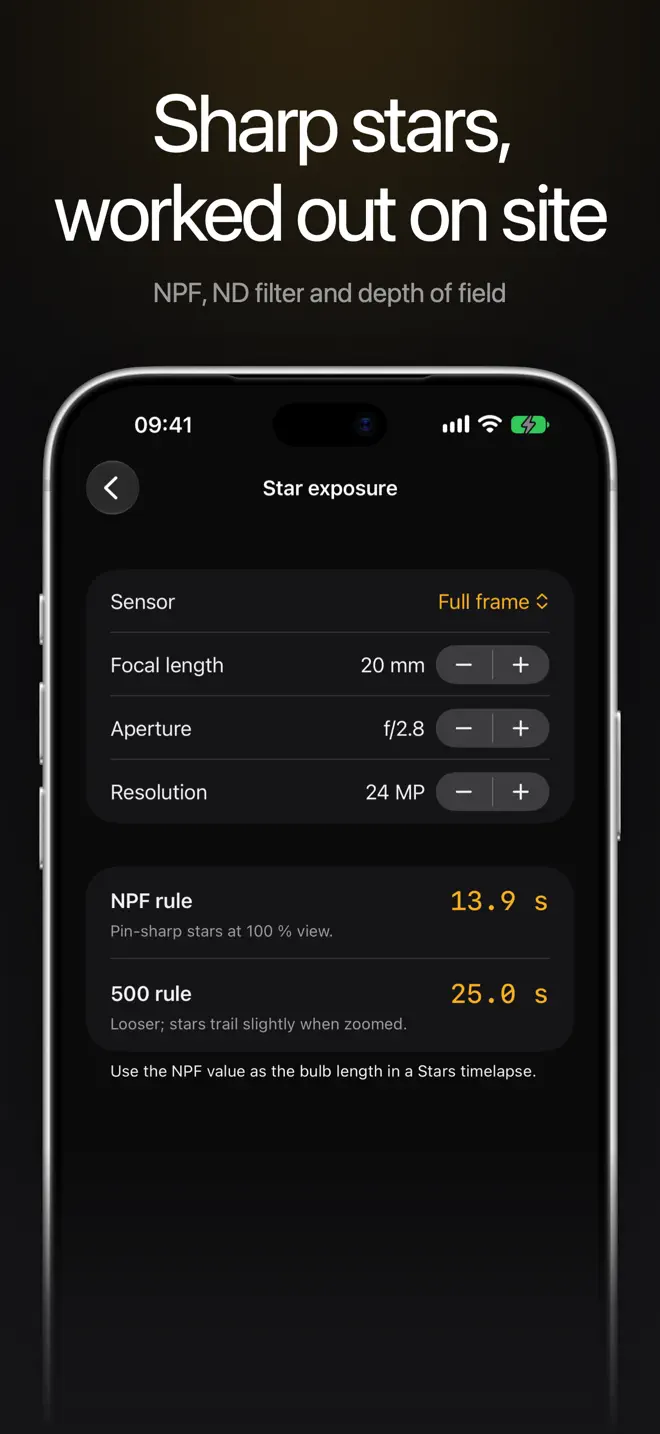
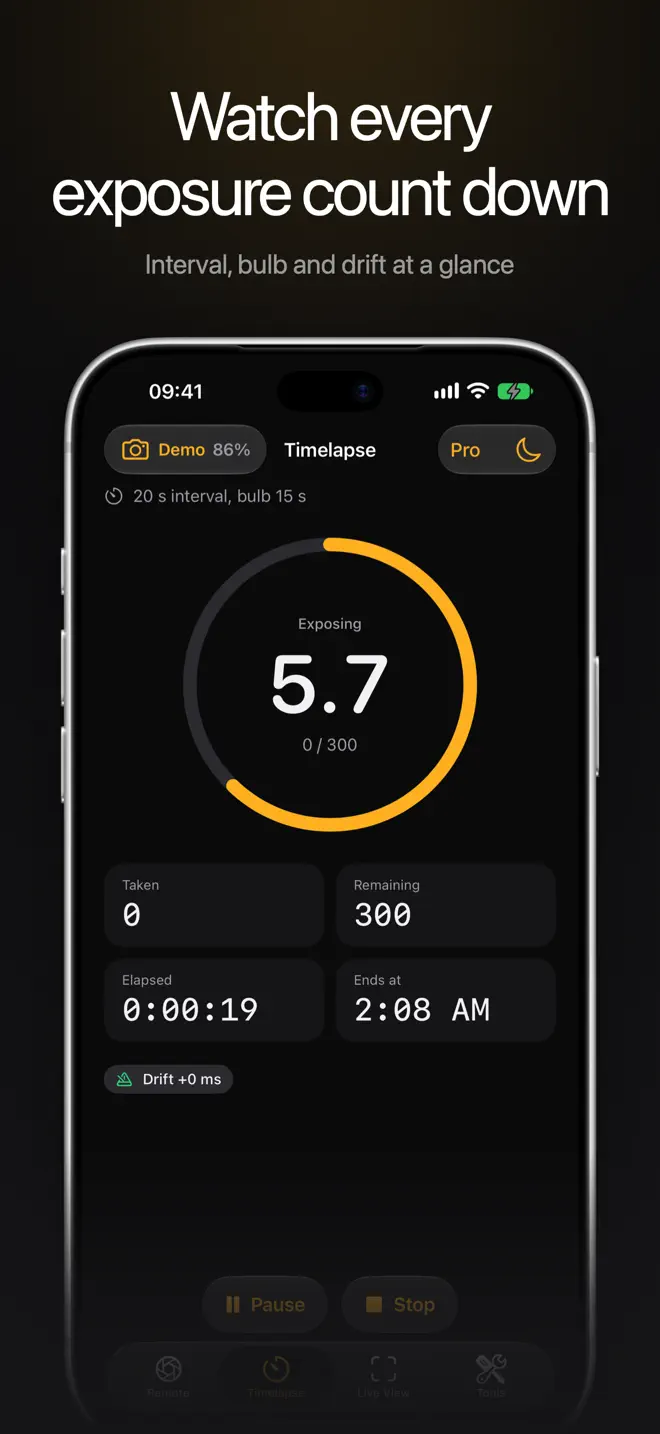
The app also carries the NPF star exposure and depth of field tools, and plans timelapses like the ones in the timelapse calculator.